If you've bought a new iPhone or have been using it for a while, you might have questions about its features, design and even how to set it up. That's because with each new iPhone release, Apple updates its features and specifications. From the location of the speakers on older models to the latest camera upgrades, screen sizes and charging ports, here are 10 questions iPhone users have asked. Let's dive into the basics every iPhone user should know.
Let's start with the first question:
1-Where is the speaker on the iPhone 11?

The iPhone 11 comes with two speakers, each in a different location:
1- On the bottom of the phone: The speaker is located to the right of the Lightning charging port, there are small gaps where the phone's main speaker is located.
2- Top of the phone (earpiece): Located in the notch at the top of the screen and used during calls.
The speaker and earpiece work together to produce stereo sound when playing music, videos or using the phone's speakerphone.
As a result, iPhone 11 uses a stereo sound system that combines the bottom speaker with the top speaker (earpiece) for the best audio experience.
High-quality iPhone 16 speakers now available at wholesale prices (B2B). Order now and stay ahead of the competition
2-What's the side button on iPhone 15?
The side button on iPhone 15 is located on the right side of the phone and allows the user to perform many tasks:
1- Turn the phone on or off:
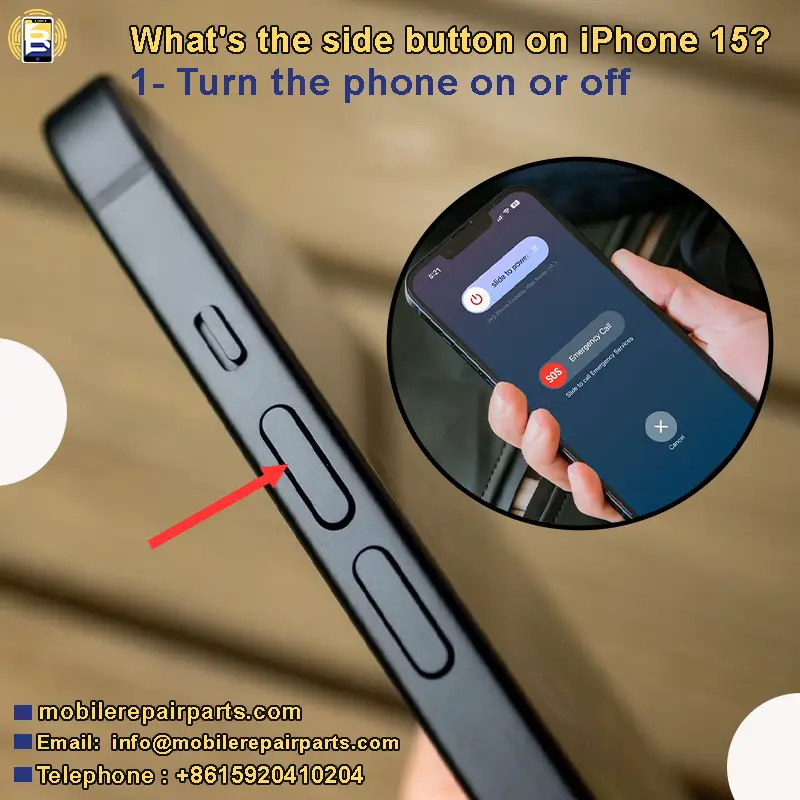
-Press and hold to turn on the phone.
-Press the volume rocker key (up or down) to access the phone's power and emergency menus.
2-Wake/Sleep screen:

-Press once to wake or sleep the screen.
3-Activate Siri:
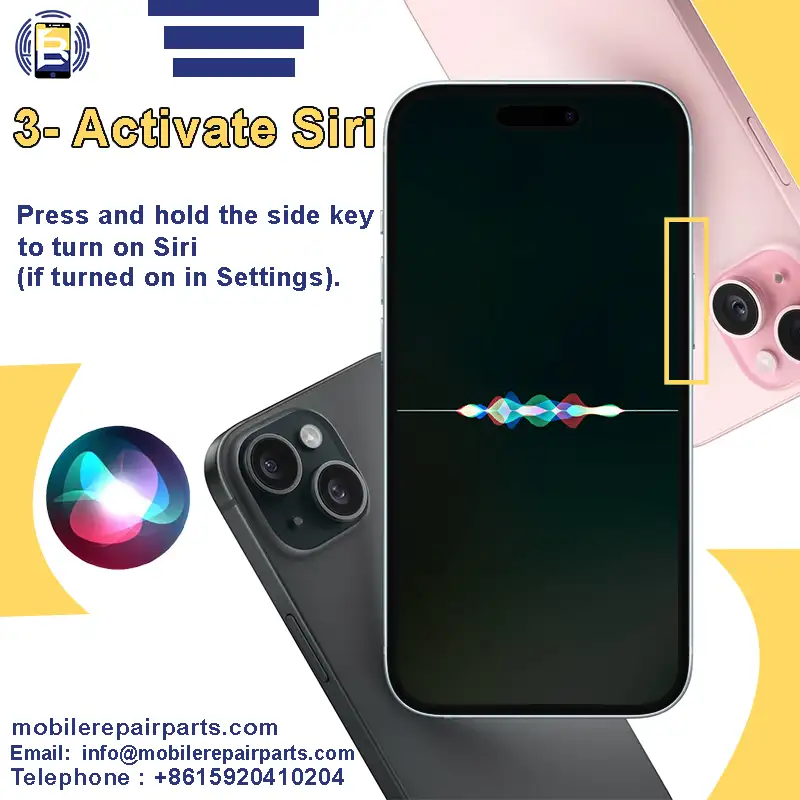
Press and hold the side key to turn on Siri (if turned on in Settings).
To learn more about Siri, read this article " Voice Assistants-Revolutionizing Everyday Life with AI-Powered Convenience".
4-Apple Pay/Wallet:

Double-press the side button to access Apple Pay/Wallet for quick payments (on iPhones with Face ID).
5-Emergency Call:

-Press and hold the side button with one of the volume buttons, then swipe to call 911. Alternatively, quickly press the side button five times to initiate an emergency call (if enabled in Settings > Emergency Call).
6- Accessibility features:
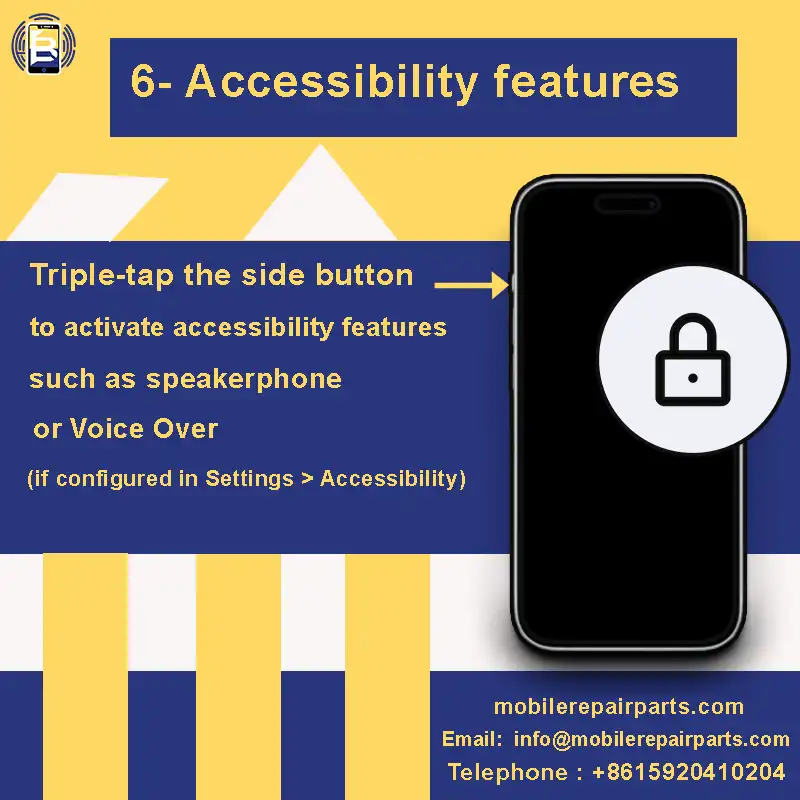
-Triple-tap the side button to activate accessibility features such as speakerphone or Voice Over (if configured in Settings > Accessibility).
3- How many inches is the iPhone 14 Pro Max screen?
iPhone 14 Pro Max has a 6.7-inch screen.
Increase your competitive advantage by stocking up on iPhone 14 Pro Max LCD screen parts. And meet your customers' needs with pricing that keeps you ahead of the market. We secure you with top-quality parts and offer flexible shipping methods from China to Latin America.
4-How to screenshot on iPhone 16 Pro Max?
To take a screenshot, press the side key on the right side of the phone and the volume key on the left side of the phone. Press and release both keys at the same time. When the screenshot is successfully captured, the screen will flash briefly.
You can tap the preview to edit the screenshot or share it immediately. Screenshots are automatically saved in the Photos app and can be found in the Screenshot album
5-How many lumens is iPhone 13 Pro Max flashlight?
The iPhone 13 Pro Max flashlight produces about 40-50 lumens at maximum brightness and about 8-12 lumens at minimum settings. This level of illumination is useful when navigating a dark place or searching for something in low-light conditions.
6-How to turn on iPhone 16 Pro Max?
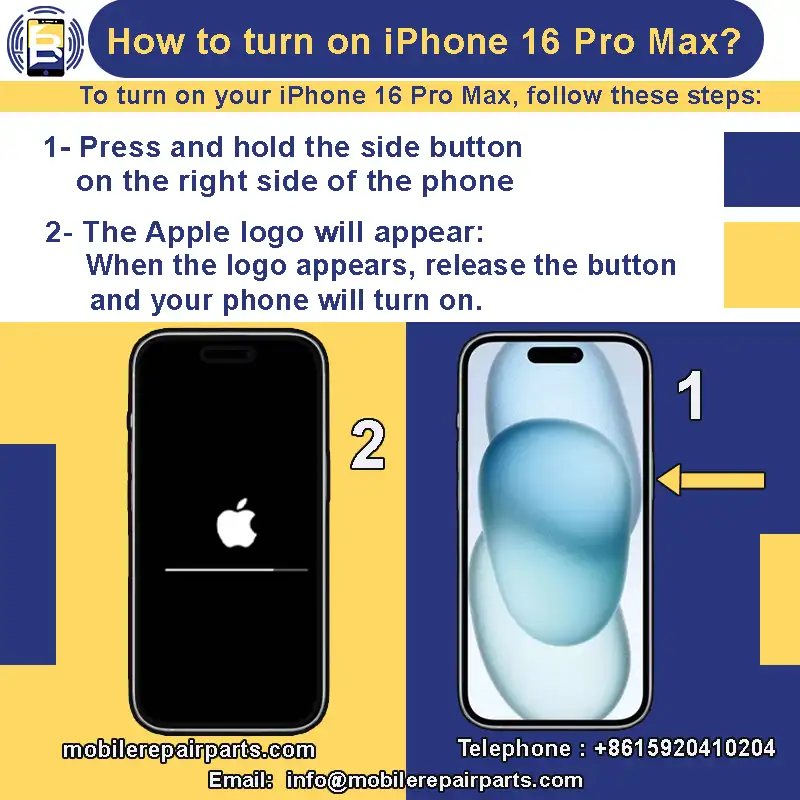
To turn on your iPhone 16 Pro Max, follow these steps:
1- Press and hold the side button on the right side of the phone.
2- The Apple logo will appear: When the logo appears, release the button and your phone will turn on.
7-How wide is the iPhone 15 Pro Max?
iPhone 15 Pro Max is 76.7 mm wide, which is approximately 3.02 inches.
8-What charging port does iPhone 13 Pro Max have?

iPhone 13 Pro Max features a Lightning connector for charging and data transfer.
iPhone 13 Pro Max comes with a USB-C to Lightning cable that supports fast charging when paired with a compatible USB-C power adapter.
9-What is the back of iPhone 16 made of?
The iPhone 16 features a glass back for a sleek look. The glass back is paired with a titanium frame for a durable, lightweight design.
10-what is the camera difference between iPhone 15 and iPhone 16?
*iPhone 15 features a triple camera setup:
48 MP f/1.6 wide camera
12 MP f/1.6 telephoto camera
12 MP f/2.4 ultrawide camera
*iPhone 16 features a dual camera setup:
48 MP wide-angle camera with f/1.6 aperture
12 MP ultra-wide-angle camera with f/2.2 aperture
Also includes a 12 MP 2x telephoto lens with f/1.6 aperture.
*Both the iPhone 15 and iPhone 16 feature a 12MP f/1.9 front-facing camera.
Video features:
*iPhone 15 supports 4K video recording at 24 fps, 25 fps, 30 fps or 60 fps, Dolby Vision at 60 fps and 1080p slo-mo video at 120 fps or 240 fps.
*iPhone 16 supports 4K Dolby Vision video recording at 24fps, 25fps, 30fps or 60fps and macro video recording, including slo-mo and time-lapse.
Want to know more about the camera features of the iPhone 16? Check out the phone's technical specifications on Apple's website " iPhone 16 en iPhone 16 Plus - Apple (NL)".
Whether you're exploring new features or clarifying the basics, understanding your iPhone helps you get the most out of it. From camera upgrades to button functions and design details, we hope this guide has answered your key questions and enhanced your experience with your device.
If you have a question about any iPhone mobile, write it in the comments and we will answer it.