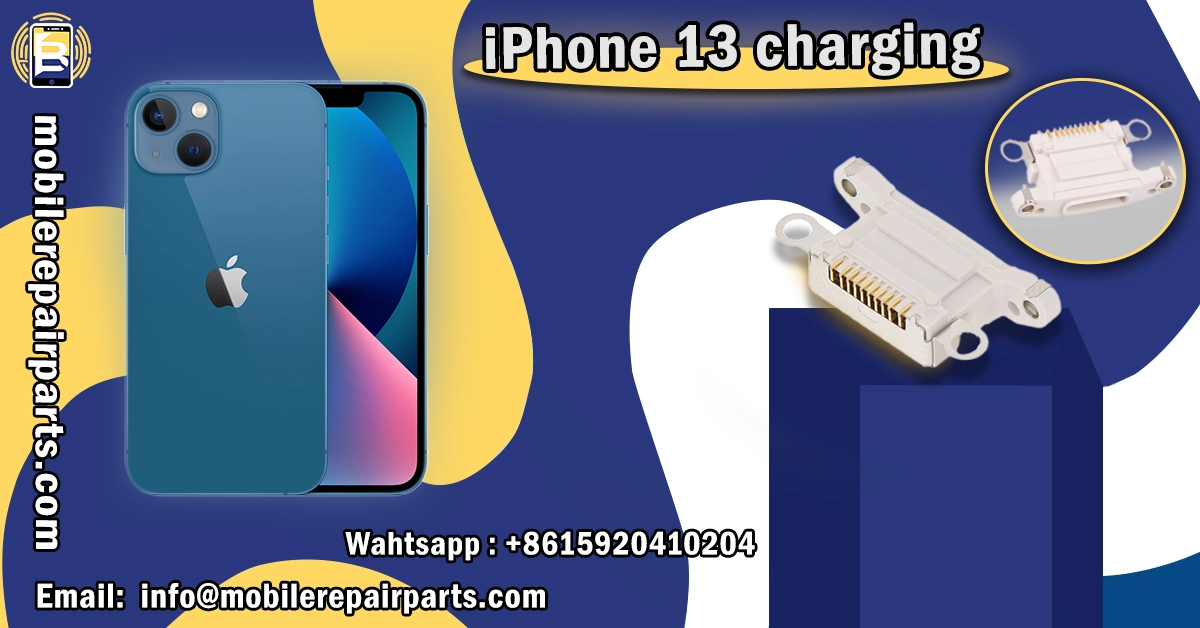
Repair businesses in Latin America can boost profit margins by up to 35% when specializing in iPhone 13 charging solutions. With proper sourcing and technical expertise, shop owners are seeing turnover increases of 22% year-over-year in this specialized repair niche.
As iPhone 13 models continue to dominate the mid-range market across Latin America, mastering iPhone 13 charging repairs has become essential for any serious repair technician or wholesaler. The demand for quality parts and technical knowledge in this area presents a significant business opportunity.
- Latin American repair shops can increase profits by 35% through iPhone 13 charging expertise.
- Master five key components: PMIC, Lightning port, battery system, MagSafe coil, and power circuitry.
- iPhone 13 offers 15% better power efficiency and enhanced MagSafe alignment over previous models.
- Most charging failures (65%) stem from hardware issues, primarily damaged Lightning ports.
- Software problems often resolve with updates, resets, or battery calibration without part replacement.
- Professional repair services should include battery installation, port replacement, and circuit-level diagnostics.
Understanding the iPhone 13 Charging System
The iPhone 13 charging board system represents a sophisticated integration of hardware and software components that work together to ensure optimal power delivery and battery management. Understanding these components is essential for repair technicians in Latin America to provide accurate diagnostics and effective repairs that build customer trust and generate repeat business.
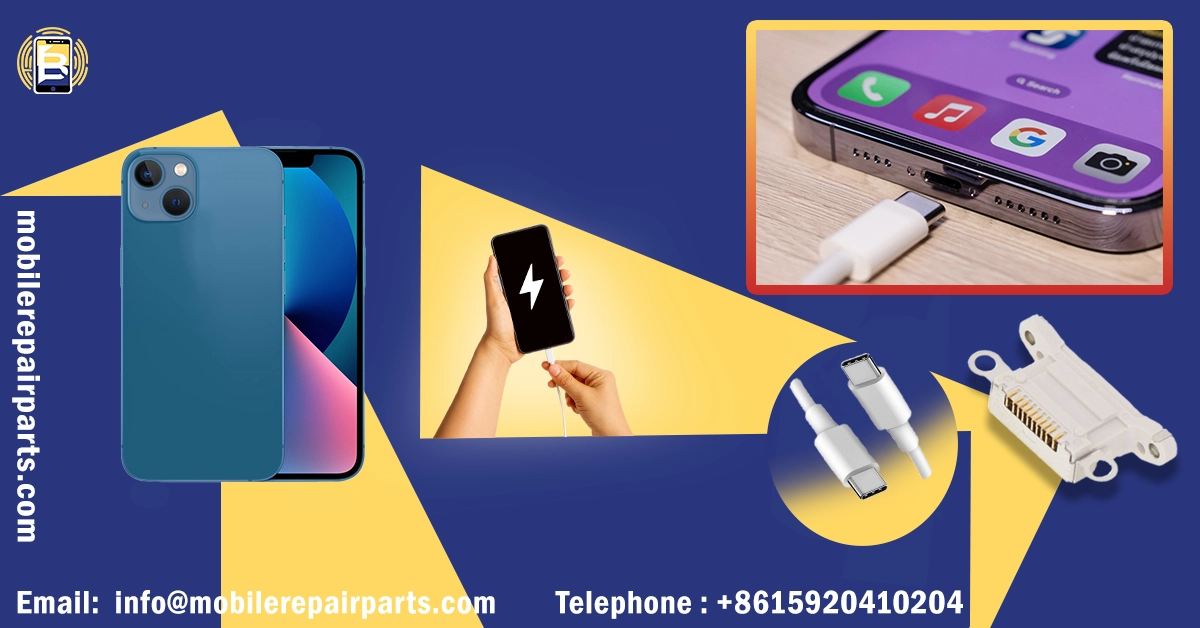
PREMIUM IPHONE 13 CHARGING PORT
- ✓ Factory-direct quality with rigorous testing standards
- ✓ Faster shipping to all Latin American destinations
- ✓ Excellent service with dedicated account managers
- ✓ Quick response to all technical inquiries
Address: Bin Jiang Xi Lu, Haizhu, Guangzhou 510000, China
Email: info@mobilerepairparts.com
Key Components of iPhone 13 Charging Technology
The iPhone 13 charging system consists of several critical components that work in harmony to deliver power safely and efficiently. Each component plays a specific role in the charging process, and understanding their function is crucial for effective diagnostics and repair.
- Power Management Integrated Circuit (PMIC): Controls voltage regulation, battery charging cycles, and thermal management while communicating with iOS to optimize charging speeds based on battery conditions.
- Lightning Port Assembly: The physical connection point for charging cables, featuring improved corrosion resistance compared to earlier models but still susceptible to physical damage and debris accumulation.
- Battery Management System: Monitors battery health, temperature, and charging cycles to prevent overcharging and extend battery lifespan.
- MagSafe Charging Coil: Enables wireless charging functionality with improved alignment tolerance and charging efficiency compared to previous iPhone models.
- Power Distribution Circuitry: Directs electrical current to appropriate components while protecting against voltage spikes and short circuits.
How iPhone 13 Charging Differs from Previous Models
The iPhone 13 introduces several significant improvements in charging technology compared to its predecessors, enhancing both performance and reliability. These differences impact how technicians approach diagnostics and repairs, requiring updated knowledge and techniques.
| Feature | iPhone 13 | iPhone 12 | iPhone 11 |
|---|---|---|---|
| Charging Speed | 20W fast charging (50% in 30 min) | 20W fast charging (50% in 30 min) | 18W fast charging (50% in 30 min) |
| Power Efficiency | 15% more efficient than iPhone 12 | Standard efficiency | Standard efficiency |
| MagSafe Compatibility | Enhanced coil design for better alignment | Basic MagSafe support | No MagSafe support |
| Thermal Management | Advanced heat dissipation during charging | Standard thermal management | Basic thermal management |
| Battery Capacity | 3,240 mAh | 2,815 mAh | 3,110 mAh |
| Charging Port Durability | Improved corrosion resistance | Standard durability | Standard durability |
Diagnosing Common iPhone 13 Charging Problems
Effective diagnosis of iPhone 13 charging issues requires a systematic approach that combines technical specifications knowledge with practical experience. The following table outlines common symptoms, their likely causes, and initial diagnostic steps.
| Symptom | Likely Cause | Initial Diagnostic Steps |
|---|---|---|
| No response when connected to charger | Faulty cable/adapter, damaged port, or dead battery | Test with known-good cable and adapter; inspect port for debris/damage |
| Slow charging | Low-power adapter, background apps, or battery degradation | Check adapter wattage; close background apps; check battery health |
| Intermittent charging | Loose port connection, damaged cable, or software issue | Try different cable/adapter; inspect port pins; restart device |
| Device gets hot during charging | Faulty battery, damaged charging circuit, or environmental factors | Remove case; check for battery swelling; test in cooler environment |
| Charging stops at certain percentage | Software glitch or battery calibration issue | Restart device; perform battery calibration (drain to 0%, charge to 100%) |
Read More:
Hardware Failures in iPhone 13 Charging Systems

Hardware failures account for approximately 65% of all iPhone 13 charging issues, with the Lightning port assembly being the most common point of failure. These issues typically require physical inspection and component replacement to resolve.
- Bent or Broken Lightning Port Pins: Carefully inspect with magnification; use dental pick to gently realign bent pins if possible, otherwise replace entire port assembly.
- Corrosion in Charging Port: Clean with isopropyl alcohol and soft brush; if corrosion is severe, replace the port assembly to prevent recurring issues.
- Damaged Charging Cable: Inspect cable for fraying or damage to connectors; replace with Apple-certified cable to ensure proper power delivery.
- Battery Degradation: Use diagnostic software to check battery health; replace if capacity falls below 80% of original specification.
- Faulty Power Management IC: Requires microsoldering expertise to replace; measure voltage outputs at various test points to confirm diagnosis.
- Loose Battery Connector: Open device and ensure battery connector is securely seated; replace if connector is damaged.
Software Issues Affecting iPhone 13 Charging Performance
Software-related charging problems in the iPhone 13 often manifest after iOS updates or when corrupted system files affect power management functions. These issues can typically be resolved without hardware replacement.
- iOS Update Glitches: Check for and install any available iOS updates; if problems began after an update, perform a soft reset (press and hold side button + volume down until Apple logo appears).
- Corrupted Power Management Files: Reset all settings (Settings > General > Reset > Reset All Settings); if unresolved, perform a factory restore after backing up data.
- Battery Calibration Issues: Completely drain battery until device powers off, then charge uninterrupted to 100% without interruption.
- Background App Activity: Close all background apps; check battery usage settings to identify power-hungry applications and restrict background activity.
- Faulty Charging Profile: Reset device settings to clear any corrupted charging profiles; if problem persists, restore device using iTunes/Finder.
- Incompatible Accessories: Ensure all charging accessories are Apple-certified; remove any non-certified cases or accessories that might interfere with charging.
Read also:
Professional iPhone 13 Charging Repair Solutions
- Lightning Port Replacement: Complete assembly replacement for damaged or corroded charging ports using OEM-compatible components.
- Battery Replacement: Installation of new battery with proper capacity ratings and safety certifications for devices with degraded batteries.
- Power Management IC Repair: Microsoldering service to replace faulty PMIC components for advanced charging circuit issues.
- Software Diagnostics and Repair: Comprehensive software troubleshooting and restoration for charging-related software issues.
- Charging Circuit Board Repair: Component-level repair of damaged charging circuitry on the logic board for complex hardware failures.
- Preventive Maintenance Services: Professional cleaning and inspection of charging components to prevent future charging issues.
Step-by-Step iPhone 13 Charging Port Replacement
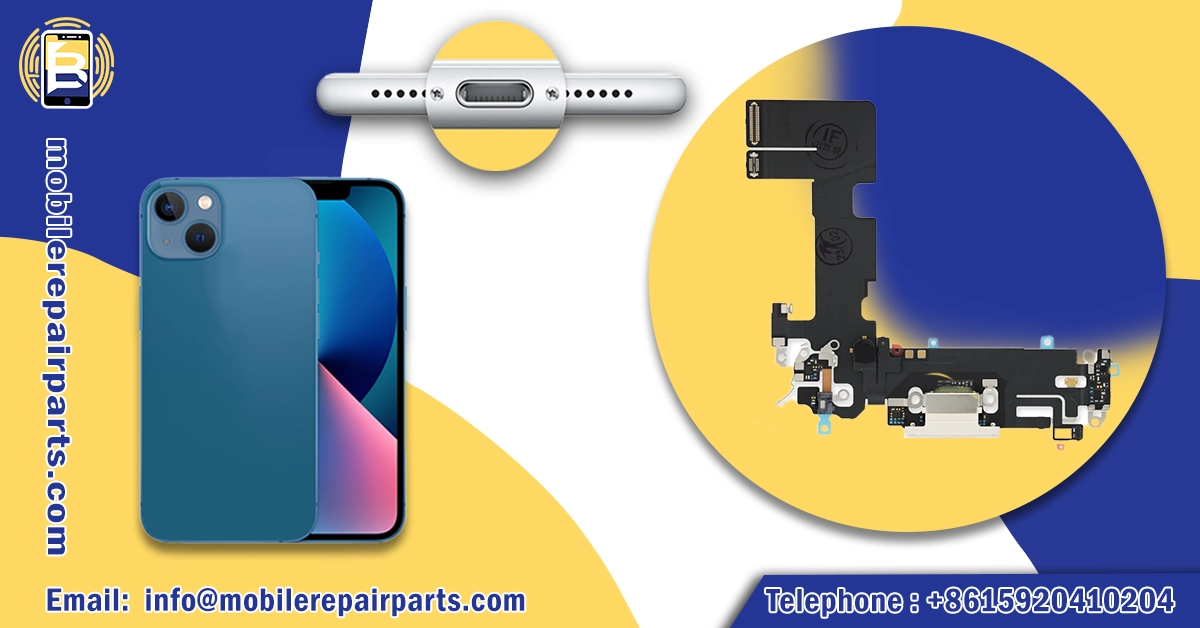
- Step One:
Power Off and Prepare Device: Turn off the iPhone 13 and place it on a clean, static-free working surface. Remove the SIM card tray and organize all necessary tools including Pentalobe screwdriver, Phillips screwdriver, plastic spudgers, tweezers, and suction cup.
- Step Two:
Remove Display Assembly: Use the suction cup to create a small gap between the display and frame, then insert a plastic spudger to carefully separate the display adhesive. Slowly lift the display from the left side, being careful not to damage the display cables.
- Step Three:
Disconnect Battery and Display Cables: Remove the two screws securing the display connector bracket using your Phillips screwdriver, then disconnect the battery connector followed by the display cables using a plastic spudger or tweezers. Always disconnect the battery first to prevent short circuits.
- Step Four:
Access Charging Port Assembly: Remove all screws securing the speaker assembly, Taptic Engine, and lower display bracket using your Phillips screwdriver. Carefully disconnect all ribbon connectors with your tweezers and remove the components to access the charging port assembly.
- Step Five:
Remove Old Charging Port: Unscrew the charging port assembly from the frame using your Phillips screwdriver and carefully disconnect any remaining ribbon connectors with your tweezers. Note the position of all screws and connectors for reassembly.
- Step Six:
Install New Charging Port: Position the new charging port assembly and reconnect all ribbon connectors using your tweezers. Secure with screws in their original positions using your Phillips screwdriver, ensuring proper alignment with the device frame.
- Step Seven:
Reassemble Device: Reinstall all components in reverse order of disassembly, ensuring all connectors are securely seated and screws are returned to their original positions using your Phillips screwdriver and tweezers. Reconnect the battery last.
- Step Eight:
Test Functionality: Power on the device and test charging functionality with both cable and wireless charging methods. Verify that all features (speakers, microphone, etc.) are working properly before securing the display with adhesive.
FaQ iPhone 13 Charging
Mastering iPhone 13 charging repairs can significantly boost your business's profitability and reputation. For wholesale pricing on quality components and technical support, Get instant bulk pricing now.
Latin American repair businesses can significantly increase their profitability by specializing in iPhone 13 charging solutions, with potential margin increases up to 35%. This growing market niche offers substantial opportunities for technicians who develop expertise in diagnosing and resolving charging-related issues through proper sourcing and technical knowledge.
The iPhone 13's advanced charging system features improved efficiency and MagSafe technology, but requires updated diagnostic approaches. Most failures (65%) are hardware-related, particularly Lightning port damage, while software issues often resolve without component replacement. Successful repair businesses offer comprehensive services including port replacement, battery installation, and circuit-level diagnostics.