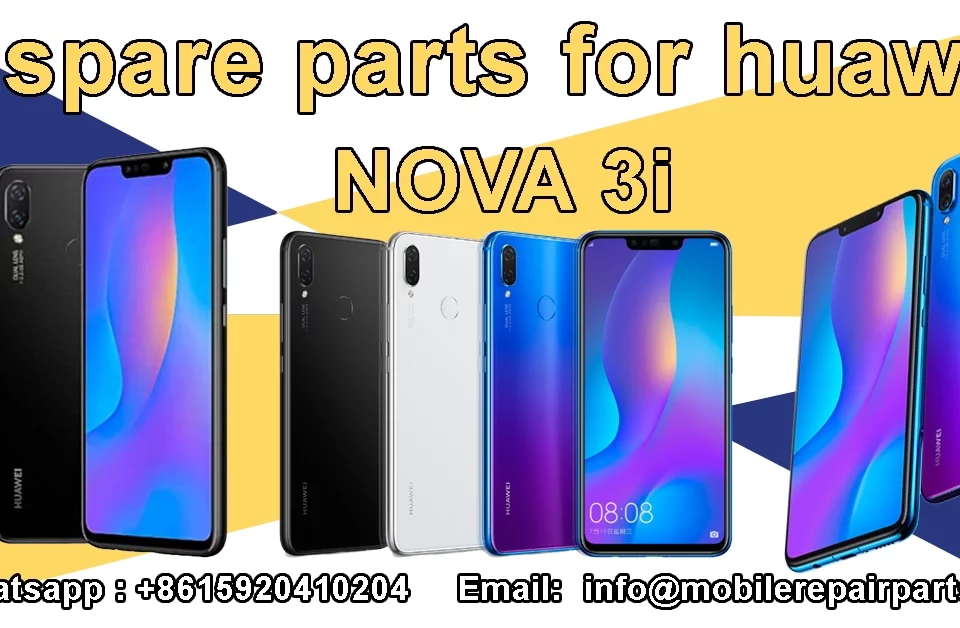
Smartphone repair margins in Latin America remain robust, often exceeding 45% on display assemblies alone, provided you source components efficiently. For wholesalers and technicians, maintaining high turnover requires balancing inventory costs against repair quality.
Finding reliable HUAWEI Nova 3 inventory allows you to expedite repairs and satisfy customer demand without the long lead times of custom manufacturing. By securing ready-to-stock units, you protect your margin and reduce downtime for your clients.
|
📘 Summary Maximizing repair margins in Latin America hinges on sourcing reliable Huawei Nova 3 components directly from Shenzhen. This guide dissects the technical specifications and safe repair protocols for the Nova 3, emphasizing that efficiency in stocking high-turnover parts like displays and batteries is just as critical as technical skill. |
🔍 Key Highlights
|
Table of Contents
Technical Specifications and Key Points for Huawei Nova 3
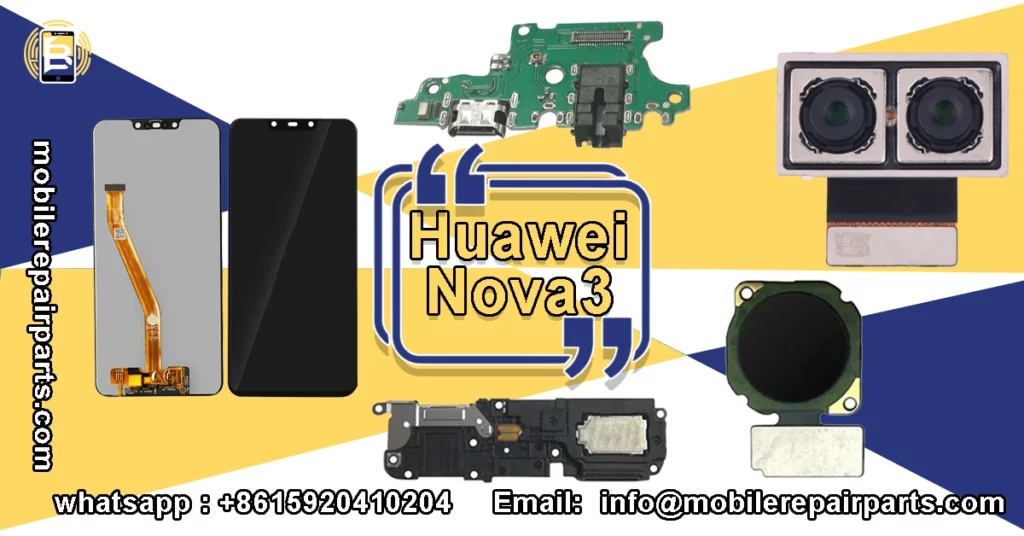
The Huawei Nova 3 remains a popular mid-range workhorse across LatAm, featuring the Kirin 970 chipset that continues to deliver reliable performance for everyday tasks. When stocking parts, understanding the exact hardware configuration is vital to avoid compatibility returns and ensure customer satisfaction with every repair:
| Feature | Specification |
|---|---|
| Display | 6.3 inches LTPS IPS LCD, 1080 x 2340 pixels |
| Processor | HiSilicon Kirin 970 (10 nm) |
| Main Camera | Dual 16 MP + 24 MP, f/1.8, PDAF |
| Selfie Camera | Dual 24 MP + 2 MP, f/2.0 |
| Battery | Li-Po 3750 mAh, non-removable |
| OS | Android 8.1 (Oreo), upgradable to EMUI 12 |
Understanding these core specs helps you diagnose issues faster, as software glitches often mimic hardware failures in the Kirin 970 architecture. Technicians should note that the 3750 mAh battery capacity requires specific power management calibration to ensure optimal longevity after replacement. Always verify the model number PAR-LX9 before ordering specific internal components to prevent expensive stocking errors.
Safe Disassembly Protocol for the Rear Panel Huawei Nova 3
Opening the Nova 3 requires a steady hand because the device uses a strong adhesive bond between the glass rear cover and the frame. You must apply controlled heat to soften the glue before attempting to pry the panel open to avoid cracking the glass:
- Heat the rear glass evenly to 80°C using a heat gun or hot plate.
- Use a suction cup to create a small gap near the bottom charging port.
- Insert a thin plastic opening pick to slice through the adhesive.
- Release the clips gently around the perimeter before lifting the cover.
- Disconnect the fingerprint sensor flex cable immediately to prevent tearing.
Rushing this process often results in a shattered back panel, which increases your material costs and eats into your profit margins for the repair. It is crucial to remember that the fingerprint ribbon is extremely fragile and located right where you usually apply the most prying pressure. Taking an extra five minutes to ensure the adhesive is fully pliable saves you from sourcing a replacement LCD Frame Middle Chassis or a new glass cover.
“Patience in disassembly is the difference between a profitable repair and a warranty return.”
Essential Spare Parts for Huawei Nova 3 Repair
To keep your shop running efficiently, you need a streamlined inventory of high-failure components that covers the most common hardware issues users face daily. We have categorized the critical spares you should keep on hand to minimize turnaround times for your customers:
| Part Name | Part Specifications |
|---|---|
| IPS LCD Display Screen | 6.3″ FHD+, Touch Digitizer Included, Frame Optional |
| Li-Po 3750 mAh Battery | Original Capacity, 0-Cycle, Grade A Cells |
| Charging Board Type-C 2.0 | USB 2.0 Port, Mic & Antenna Flex Integrated |
| Dual Wide Main Back Camera | 16MP+24MP Module, Auto Focus Supported |
| Fingerprint Sensor Flex | OEM Connector, Pre-programmed IC Ready |
Stocking these high-turnover items ensures you can address the majority of customer walk-ins without ordering individual parts and waiting for shipping. The display assembly is naturally the highest volume item, but do not overlook smaller items like the charging port flex, which often fails due to physical stress from daily plugging. Reliable sourcing of these specific components is the backbone of a successful repair business in the competitive LatAm market.
Replacing the Huawei Nova 3 LCD Screen and Digitizer
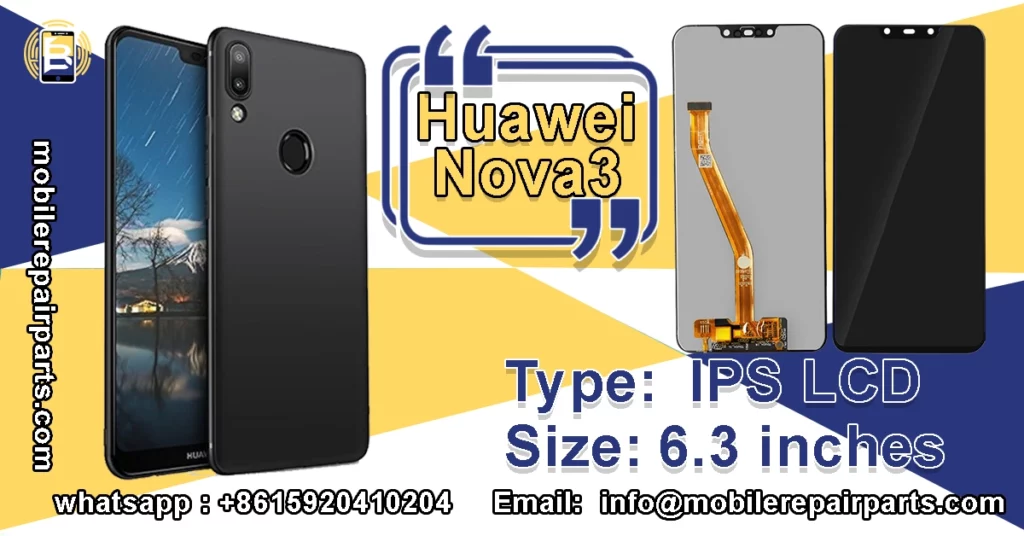
Screen replacements on this model are straightforward, but you must remove the rear glass first to access the internal screws holding the motherboard in place. Once inside, carefully unplug the LCD Connector Flex Cable before extracting the old display assembly:
- Remove the seven Phillips screws securing the mid-frame to the chassis.
- Gently lift the motherboard to reveal the display connectors underneath.
- Detach the display flex and the backlight coil connector carefully.
- Peel off the old display adhesive from the frame using tweezers.
- Align the new IPS LCD Display Screen and reconnect the flex cables.
- Test the image and touch response before sealing the device.
Aftermarket screens often have slight variations in color temperature, so managing customer expectations before the repair is crucial. Using high-quality adhesive tape ensures the new screen sits flush against the frame, preventing dust ingress later on.
Genuine vs. Aftermarket Huawei Nova 3 Batteries
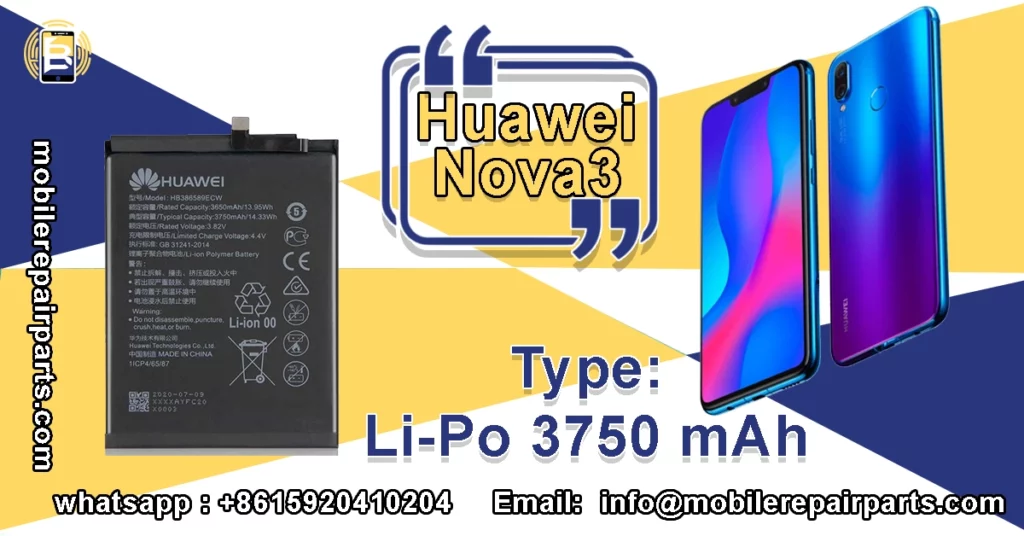
Battery swelling remains a primary concern for users of devices aged three years or more, making replacements a core service offering for your shop. Choosing the right battery impacts your reputation because poor-quality cells can lead to performance issues or safety hazards:
| Battery Type | Capacity & Safety |
|---|---|
| OEM Refurbished | 3750 mAh, < 500 cycles, TI Protection IC |
| Grade A Aftermarket | 3750 mAh, 0-cycle, Japanese/Korean Cells |
| Budget Copy | 3200-3500 mAh, Unbranded Cells, Risk of Swelling |
Investing in Grade A aftermarket options often yields better margins than OEM refurbs while providing sufficient longevity for most users. Always advise customers to avoid cheap non-branded batteries which often lack the necessary thermal protection circuits. Sourcing from verified suppliers like BETA Electronic ensures that the Li-Po 3750 mAh Battery you install meets strict safety standards.
Troubleshooting Charging Port and Flex Cable Issues
Charging issues frequently stem from lint accumulation in the port, but physical damage to the flex cable is common due to the pressure applied during charging. Diagnosing the root cause quickly prevents you from selling a Charging Port Connector when the issue lies on the motherboard:
| Symptom | Likely Cause | Solution |
|---|---|---|
| No Charge | Broken USB Pins | Replace Charging Board Type-C |
| Slow Charge | Debris in Port | Clean with anti-static brush |
| Intermittent | Loose Flex Cable | Re-seat or replace Main Board Flex Cable |
| Data Not Recognized | Damaged D+/D- Lines | Inspect pins under microscope |
Always inspect the Signal Flex Cable near the charging area, as damage here can affect Wi-Fi and cellular reception simultaneously. When replacing the charging board, ensure the rubber gasket around the Type-C port is seated correctly to maintain water resistance. These small details differentiate a professional technician from an amateur in the eyes of the customer.
Rear Camera Module Replacement Guidelines
Camera failures often result from drops damaging the lens cover or the delicate ribbon cable connecting the module to the motherboard. To restore photography functionality, you need to swap the faulty unit with a compatible Dual Wide Main Back Camera:
- Power off the device completely to prevent short circuits.
- Remove the rear cover and disconnect the battery connector.
- Locate the camera module and disconnect the flex cable.
- Unscrew the holding bracket and lift the old module out.
- Install the new module and reconnect the flex cable.
- Verify autofocus and shutter function via the camera app.
- Replace the Rear Camera Lens Cover if the original is scratched.
Be careful not to touch the camera lenses with bare fingers, as oils can affect image clarity and cause lens fogging over time. If the user reports a cracked lens but the photos are still clear, simply replacing the Rear Camera Lens Cover is a much cheaper upsell. This saves the customer money while securing you a profit on a quick, low-effort repair.
Sourcing Wholesale Huawei Nova 3 Components
BETA Electronic Co LTD specializes in providing reliable HUAWEI Nova 3 components from Shenzhen to major Latin American hubs, cutting out the middleman. We offer consolidated shipping solutions that help you navigate complex customs procedures while ensuring your inventory arrives on time. Our rigorous quality control process involves testing each batch of spare parts before shipment to guarantee high satisfaction rates for your business. By partnering with us, you gain access to competitive wholesale pricing that protects your margins in a volatile market. We understand the unique challenges of the LatAm import landscape and tailor our logistics to meet your needs.
Ensuring Quality Control for Nova 3 Motherboards
Sourcing logic boards requires strict verification because the Huawei Nova 3 is prone to baseband CPU failures that are difficult to diagnose without proper equipment. Always inspect the Main Board Flex Cable and solder joints under a microscope before installation. Reputable suppliers will provide a warranty on full motherboard assemblies, giving you a safety net against defective units. Testing the IMEI functionality upon receipt is a non-negotiable step for professional repair shops aiming to reduce returns. This level of diligence ensures your customers receive a device that functions perfectly out of the box.
Inventory Management for High-Turnover Parts
Effective inventory management involves predicting demand based on local market trends, such as the rise in cracked screens during holiday seasons. Keeping a stock of fast-moving items like the Dual Nano SIM SD Card Tray and Power Volume Buttons prevents repair delays. Analyze your sales data monthly to identify which components are depleting fastest and adjust your wholesale orders accordingly. Utilizing options from BETA Electronic allows you to replenish these critical items instantly without waiting for manufacturing lead times. Strategic stocking transforms your repair shop into a one-stop solution for the local community.
What are the most high-failure spare parts for the Huawei Nova 3 that I should stock?
The highest turnover items are the IPS LCD display with digitizer, the 3750 mAh battery, and the Type-C charging board. It is also wise to keep rear and front camera modules in stock, as these are prone to damage during drops and require quick replacement to satisfy customer demand.
Can I use an aftermarket battery for the Huawei Nova 3 instead of an original one?
Yes, Grade A aftermarket batteries are often recommended as they offer a cost-effective margin advantage over OEM refurbished units. Ensure they are rated at 3750 mAh and feature high-quality Japanese or Korean cells to maintain safety and performance standards comparable to the original
How do I differentiate between a charging port issue and a flex cable failure?
If the device shows no response when plugged in, it is usually a broken USB pin requiring a charging board replacement. However, if charging is intermittent or slow, check the charging flex cable and the D+/D- data lines on the motherboard, as physical stress often damages these connections before the port itself fails.
What is the minimum order quantity (MOQ) when sourcing wholesale from BETA Electronic Co LTD?
The minimum viable order for wholesale pricing is 100 units on an FOB Shenzhen basis. This volume allows you to access competitive direct-from-factory rates and ensures that shipping logistics remain efficient from the Shenzhen hub to Latin America.
Is it necessary to transfer the earpiece and front camera when replacing the screen?
Yes, it is highly recommended to transfer the original earpiece and front camera modules to the new display assembly. This practice ensures perfect audio clarity, autofocus accuracy, and color temperature reproduction, which often vary on aftermarket replacement screens.
What are the primary customs challenges when importing mobile parts into Brazil?
Importers face high tax burdens, as combined import duties and ICMS taxes can reach up to 60% of the CIF value. It is crucial to partner with a logistics provider who understands local regulations to navigate these compliance requirements and avoid costly delays at customs.
Secure your supply chain with trusted HUAWEI Nova 3 parts to maximize your profitability today.